

What if your test code looked this simple?
click("New User")
type("Name", "Marc")
And it just worked.
No brittle selectors.
No exact text matching required.
No modifications to the DOM.
Meet kogiQA,
a UI automation tool that works without selectors.
Save time writing tests
Write tests without checking the DOM or searching for complex selectors. Just type what you see on the page. It’s intuitive and significantly faster.
Tests stay reliable
If someone changes the DOM, IDs, labels, or text on the page, the automation keeps running. Say goodbye to flaky tests caused by minor UI updates.
See for yourself! Just press play!
It's the same test code, but completely different pages, and it still works.
You are not into coding?
You can use kogiQA without touching a single line of code, just with our UI.
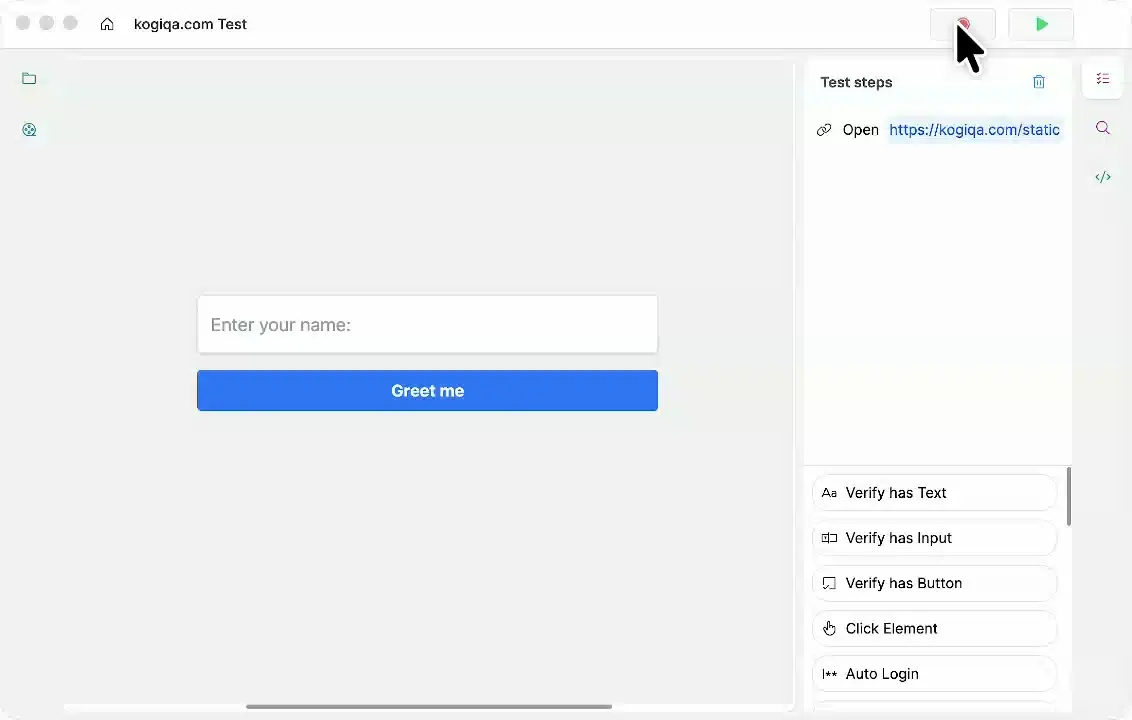
Want the best of both worlds?
Use kogiQA to record, then export the code and continue from there!
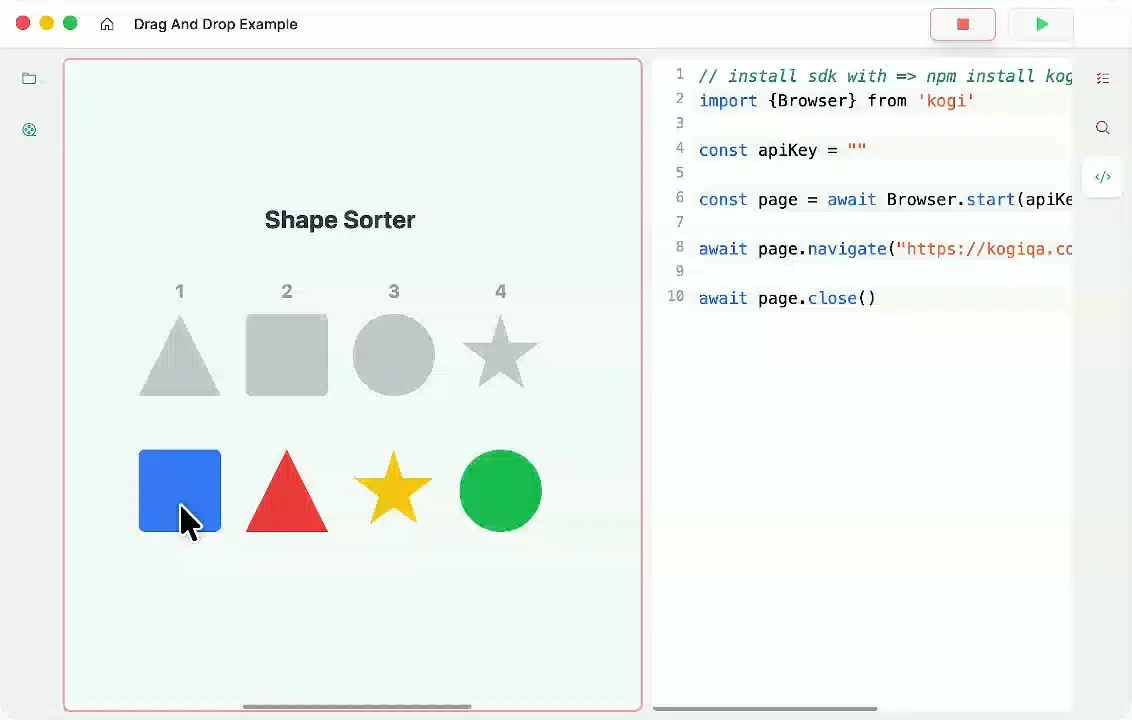
So I can run it on my machine, but what about all the others?
You can test events across platforms by running your code with one click or one line in the cloud.
Browser.start("APIKey" ,"chrome" )
Is that all you've got?
Absolutely not! We have far more features than you could ever need.
We Support Flutter web
We are currently the only tool we are aware of in the market that supports Flutter web testing.
Simple File Uploads
We support file uploading to every HTML file upload element, and even have a built-in store, so you can store them remotely.
Content Editable Support
We are currently the only tool on the market that allows testing contenteditable HTML elements.
Canvas Drawing
You can even simulate complex applications that use HTML5 Canvas elements. For example, you can draw images.
Proper Drag & Drop
With other tools, it's quite hard to implement drag and drop, but we support complex, multi-step drag and drop sequences.
Simulate Hovering
Sometimes, it's necessary to simulate the hover to check if the hover is triggered correctly. We also support that.
Smart Fuzzing
Some bugs only occur under really strange conditions. So, we have a feature that allows fuzzing your page with random data and random inputs to find unforeseen bugs quickly.
Element Resizing
If you have a complex application that is relying on resizing, for example to hide UI elements from the user, you can test that as well.
Keyboard Shortcuts
We have support for all kinds of keyboard shortcuts, regardless of how long you want them to be, and keyboard shortcut combinations, like 'Ctrl+a'
Email Testing
If you have built an application that relies on emails, you can also test that. We provide you with a random, one-time email address which you can put into your application, and then retrieve all emails that were sent to it later and verify them in your test case.
Accessibility Checks
We know that accessibility is a complex topic in UI development, but we still want to provide the tools so you can easily check if a site is accessible, so blind people and others can use it smoothly.
PDF Testing
If you have an application test that includes a PDF, you can open it directly and run tests against it, like a certain string or something.
And lots more!
Note: You tried the tool and found a feature that would make your life easier. Don't hesitate to contact us. We are a small independent team and love adding new features.
Is your situation too complicated to automate?
We also offer features to help you with manual testing.
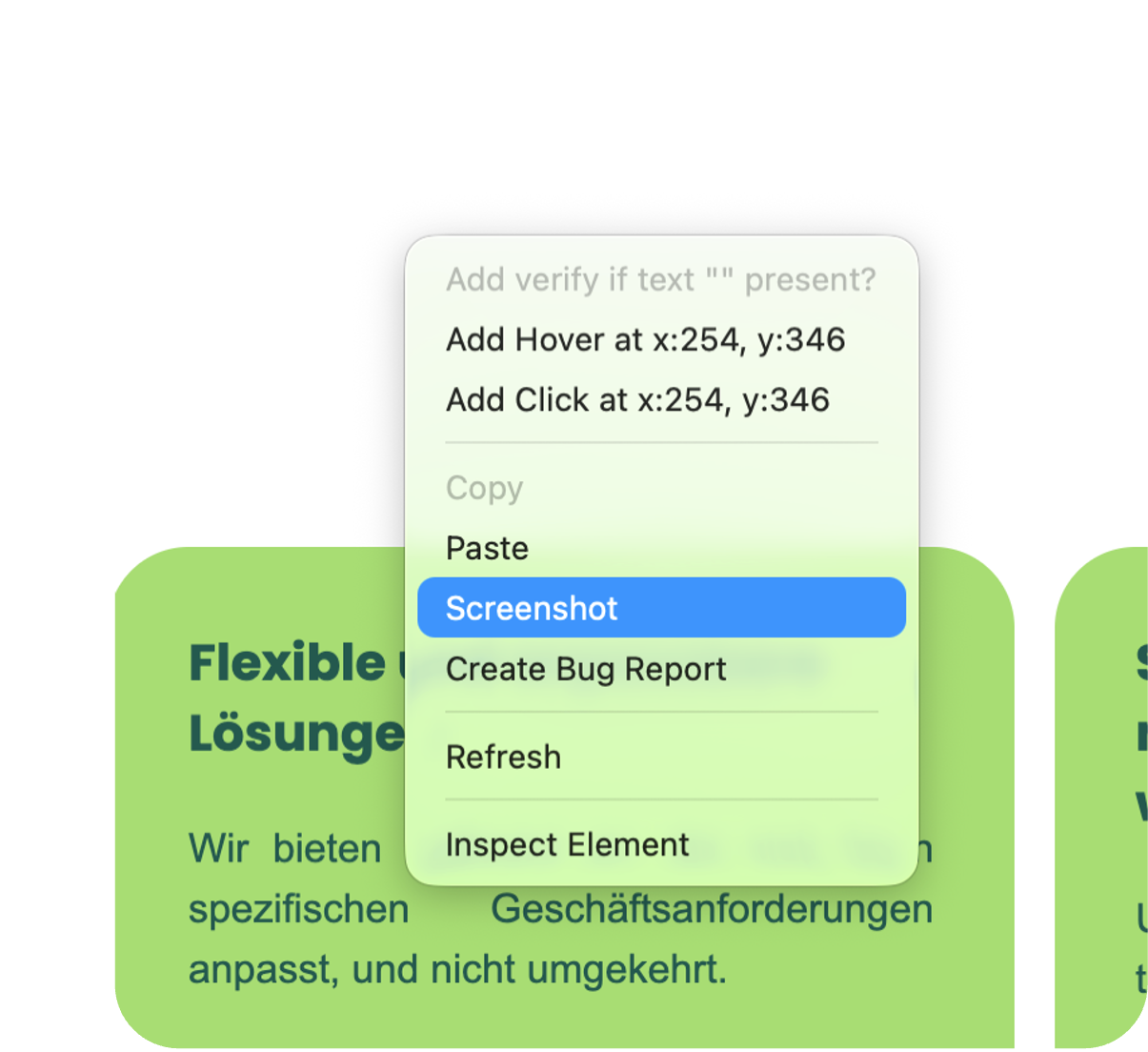
With just one click, you can take a screenshot that opens immediately in the image editing program of your choice.
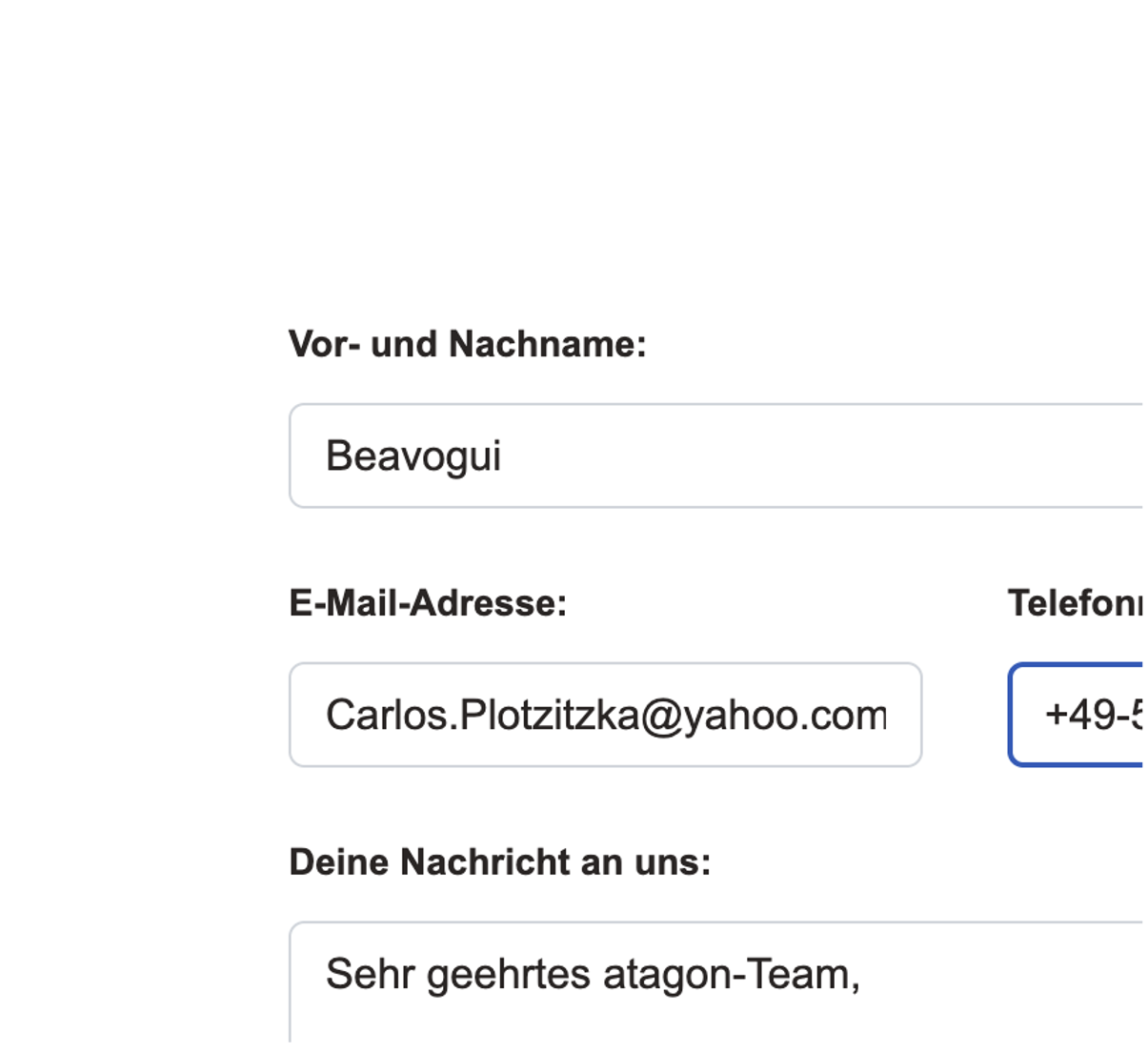
Pressing the “Ctrl+S” key combination immediately fills the selected input field with dummy text that matches the context and the page. To insert a random Unicode string, use “Ctrl+D.”
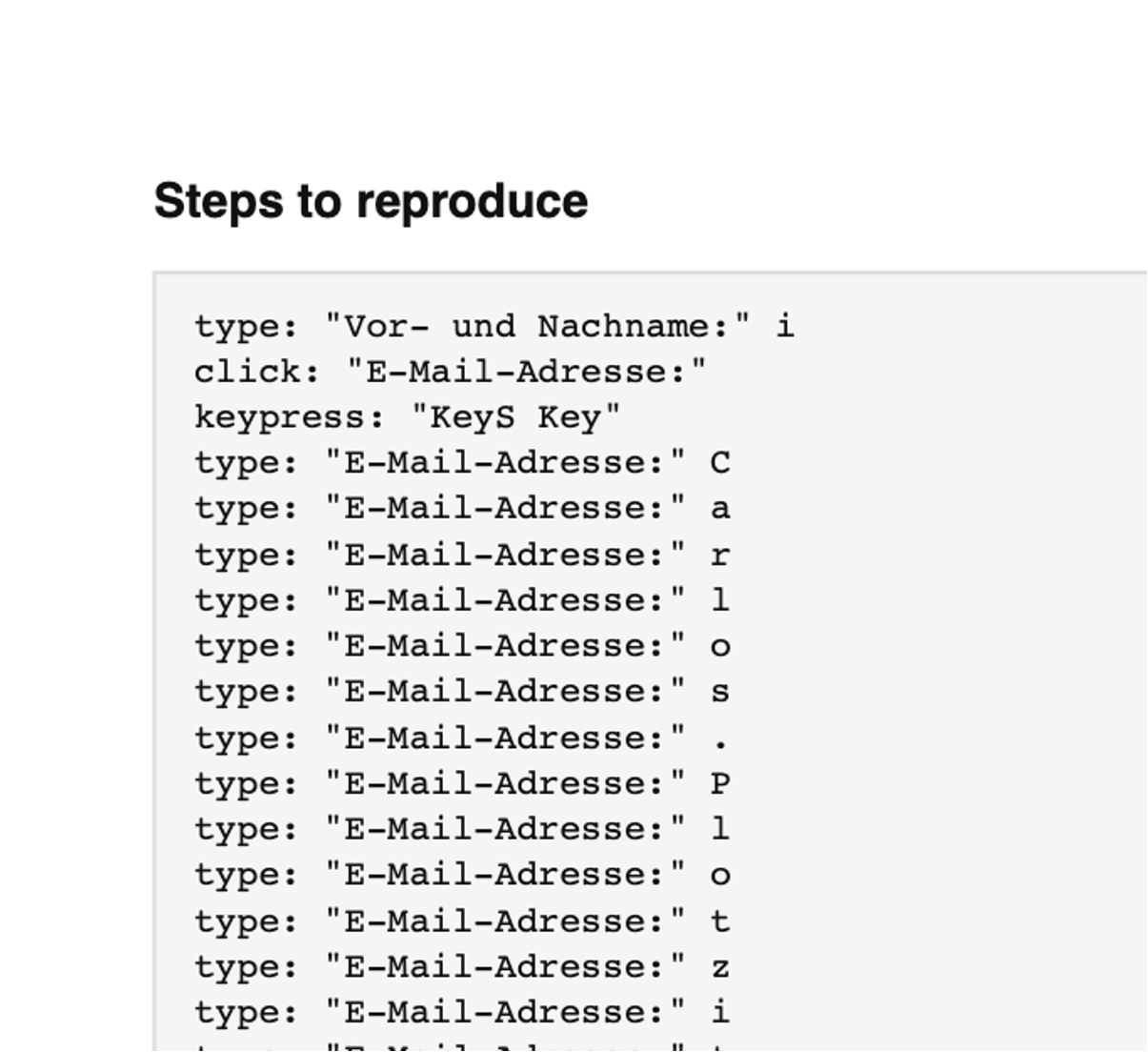
In the context menu on each page, under the “Create Bug Report” option, you'll immediately receive a PDF containing the last steps you took, as well as all recent console logs and network requests.